
Your webmail
Use Gmail, Outlook, QQ Mail, or configure a custom webmail service.
Parussoft · Independent software
Open every email link in the webmail and browser you already use.
Mail to Web turns a mailto link into a ready-to-write message in your chosen webmail, carrying the recipient, subject, and body with it.
Make Mail to Web the macOS mail handler, then choose the webmail account and browser that fit the message. Your existing browser-based workflow stays intact.
Core features
Use Gmail, Outlook, QQ Mail, or configure a custom webmail service.
Open messages in the system default browser or choose a specific browser such as Safari or Chrome.
Keep more than one email account and choose the right one when composing.
Carry the recipient, subject, and body from the original link into the new webmail message.
Mail to Web forwards the request and does not store the content of your email.
Product in use
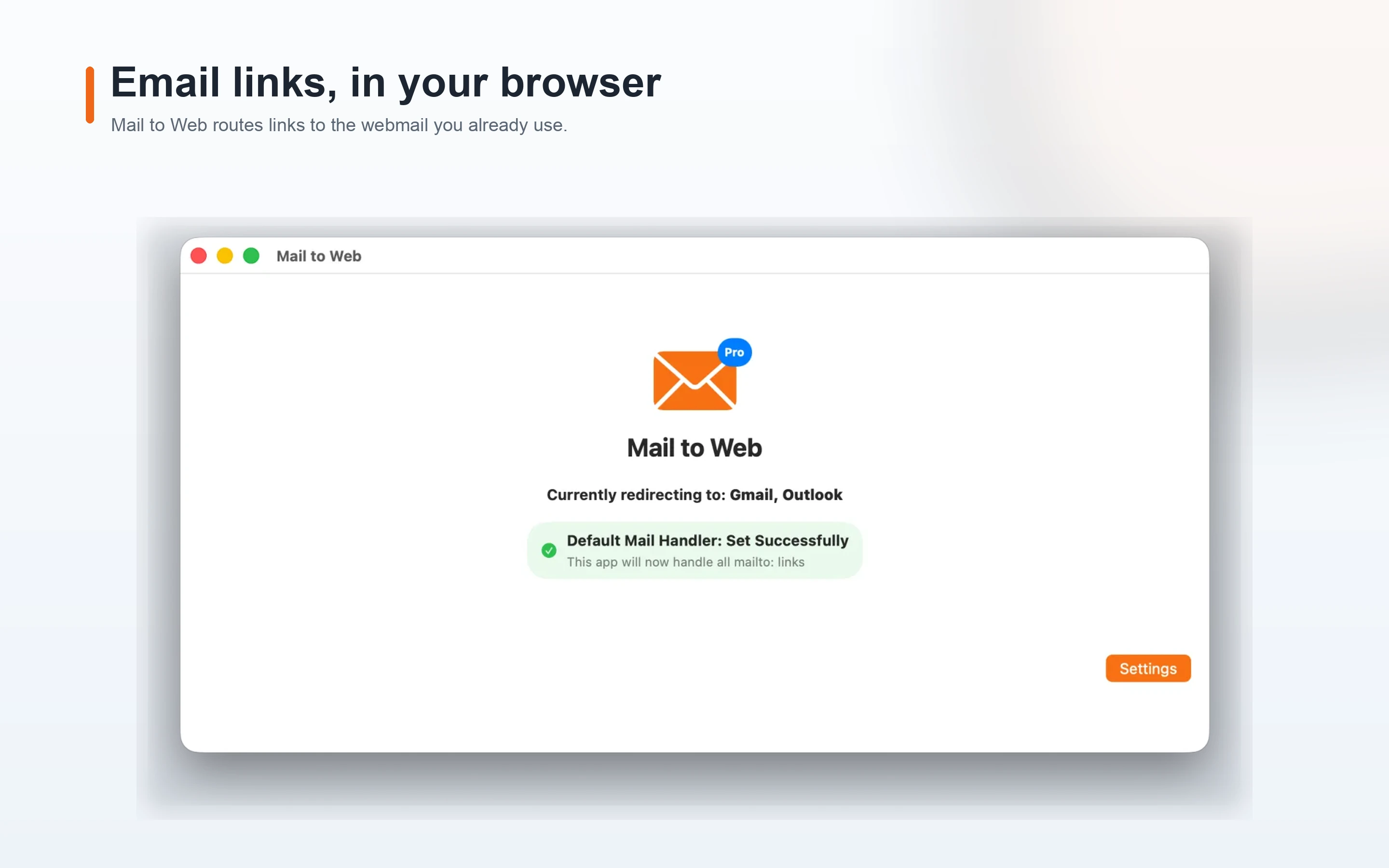
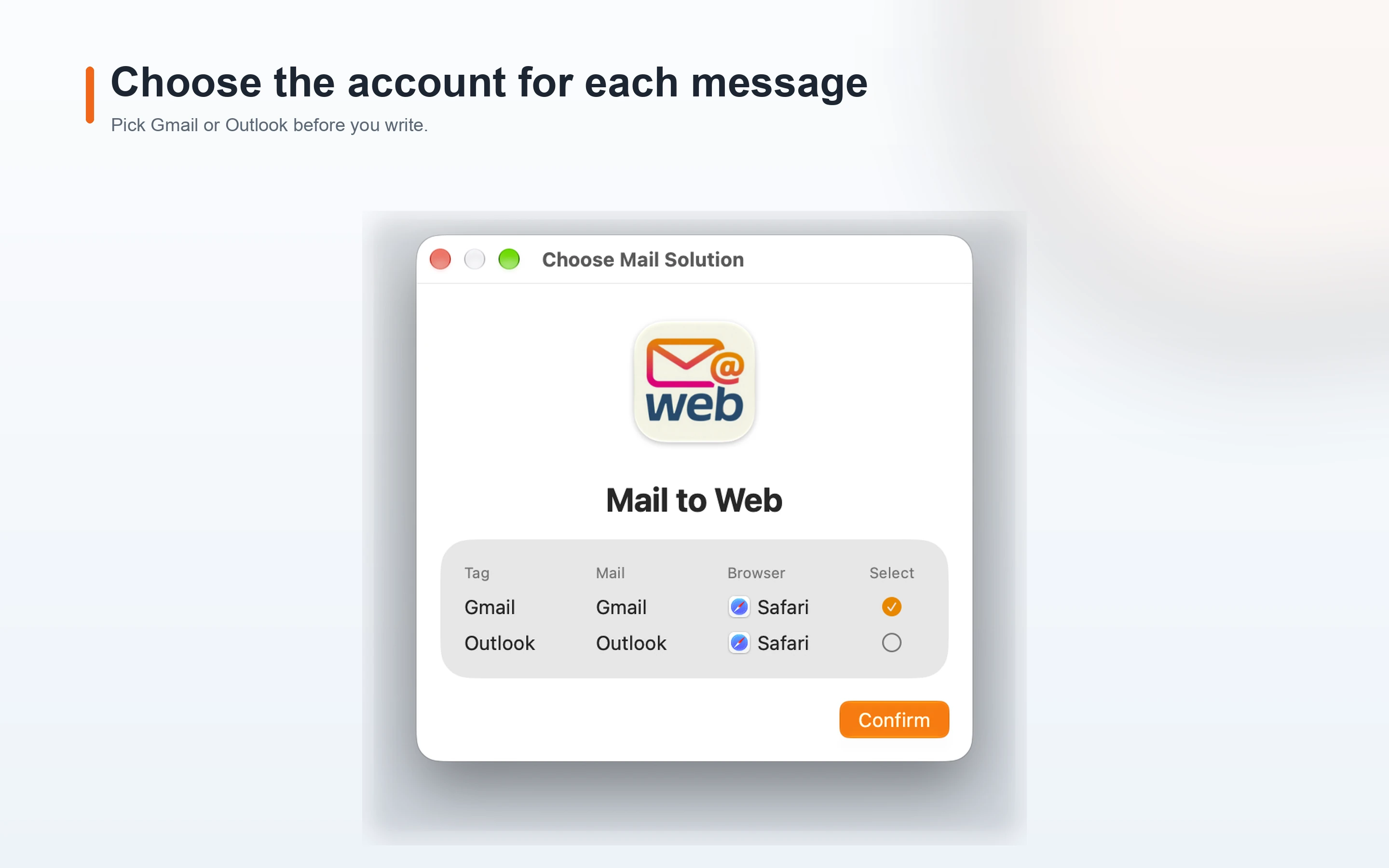
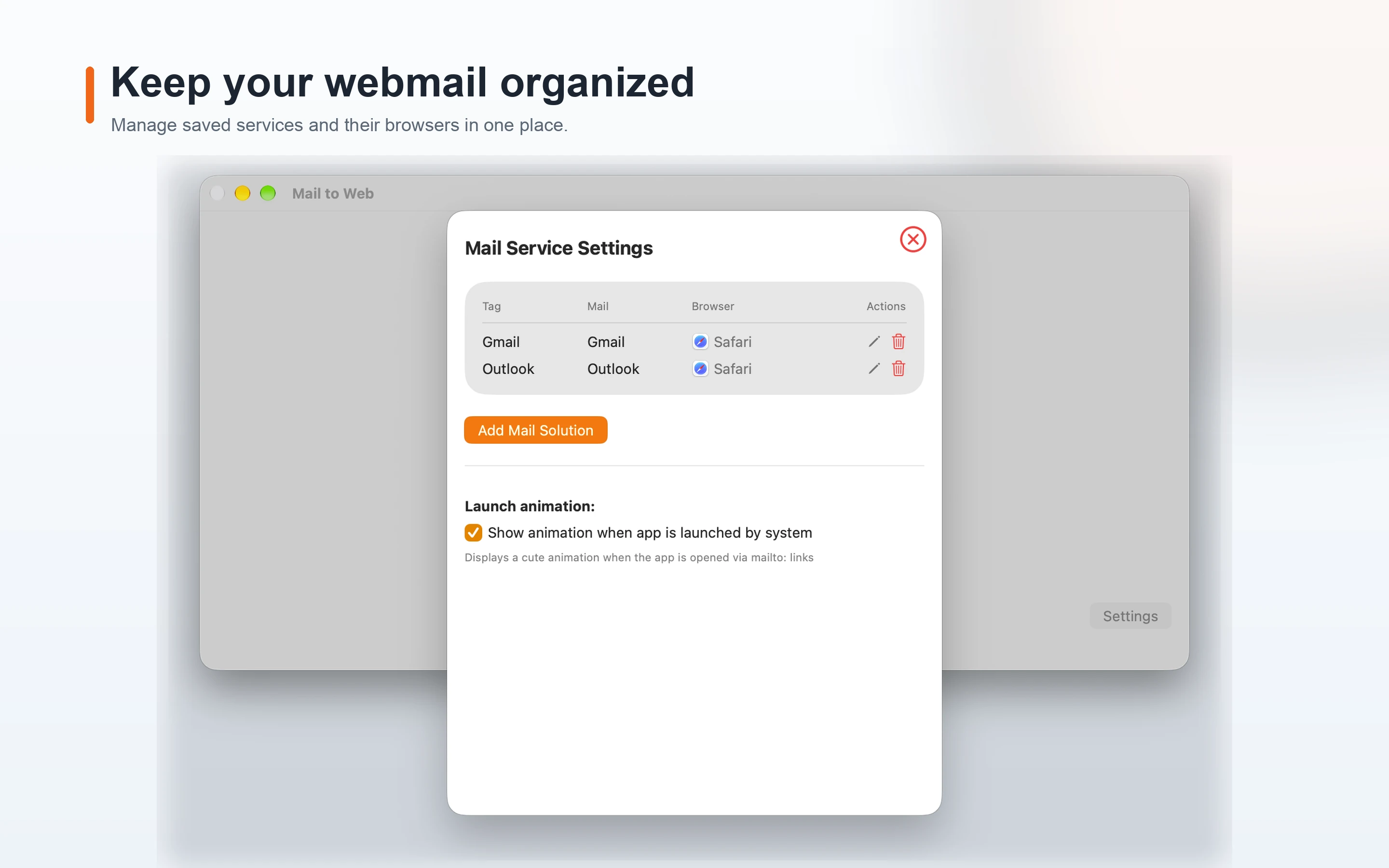
Open every email link in the webmail and browser you already use.
About the developer
I’m Owen Zhao, the independent developer behind Parussoft. I build focused, practical software for Apple platforms and the web, starting from real needs and refining it through everyday use and user feedback.
Read the full introduction