
One source image
Start with the artwork you already have instead of exporting every required size by hand.
Parussoft · Independent software
Turn one source image into Xcode-ready app icons.
My Icon Gear prepares the app icon assets required by Apple platforms, so a finished image can move into an Xcode asset catalog with fewer repetitive export steps.
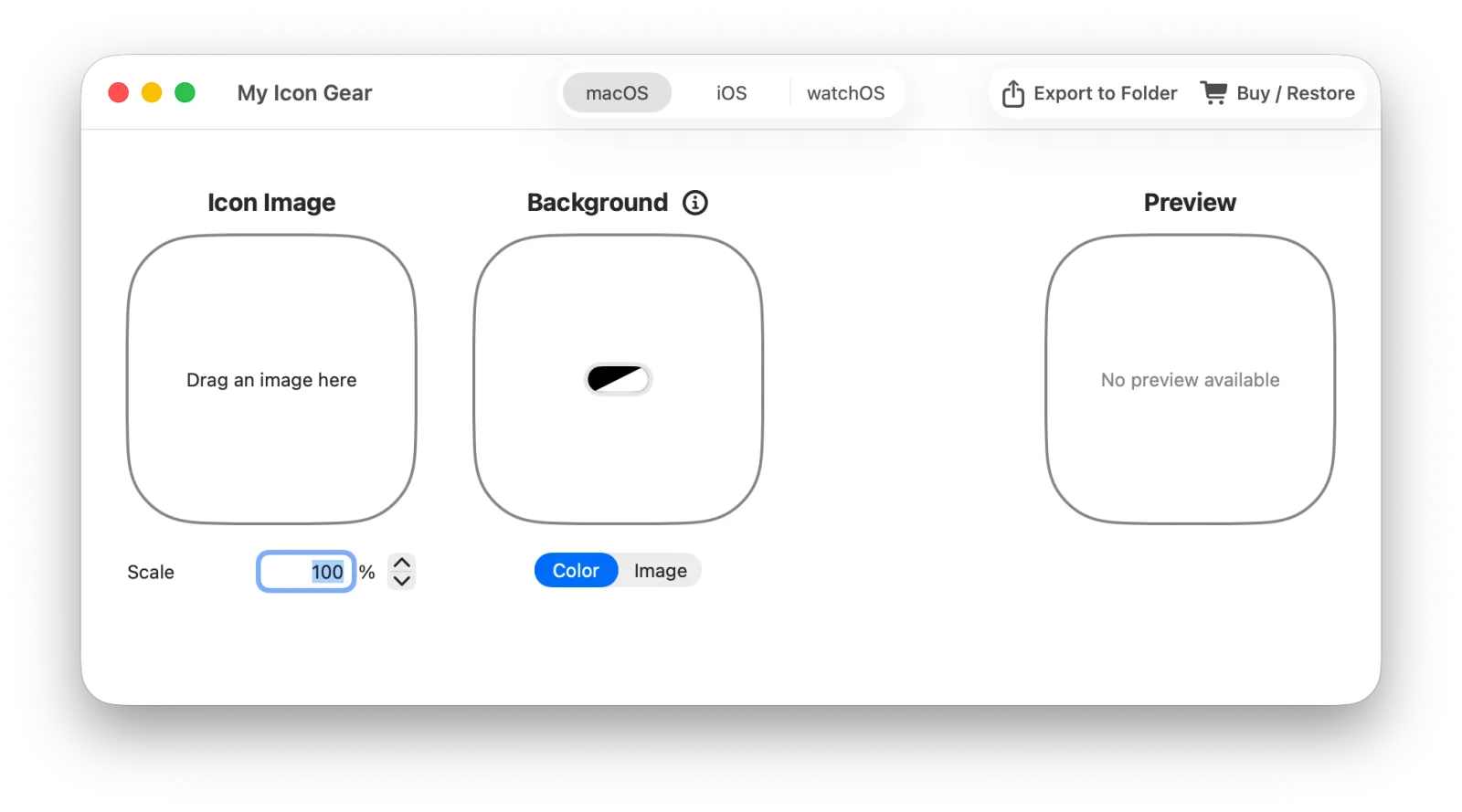
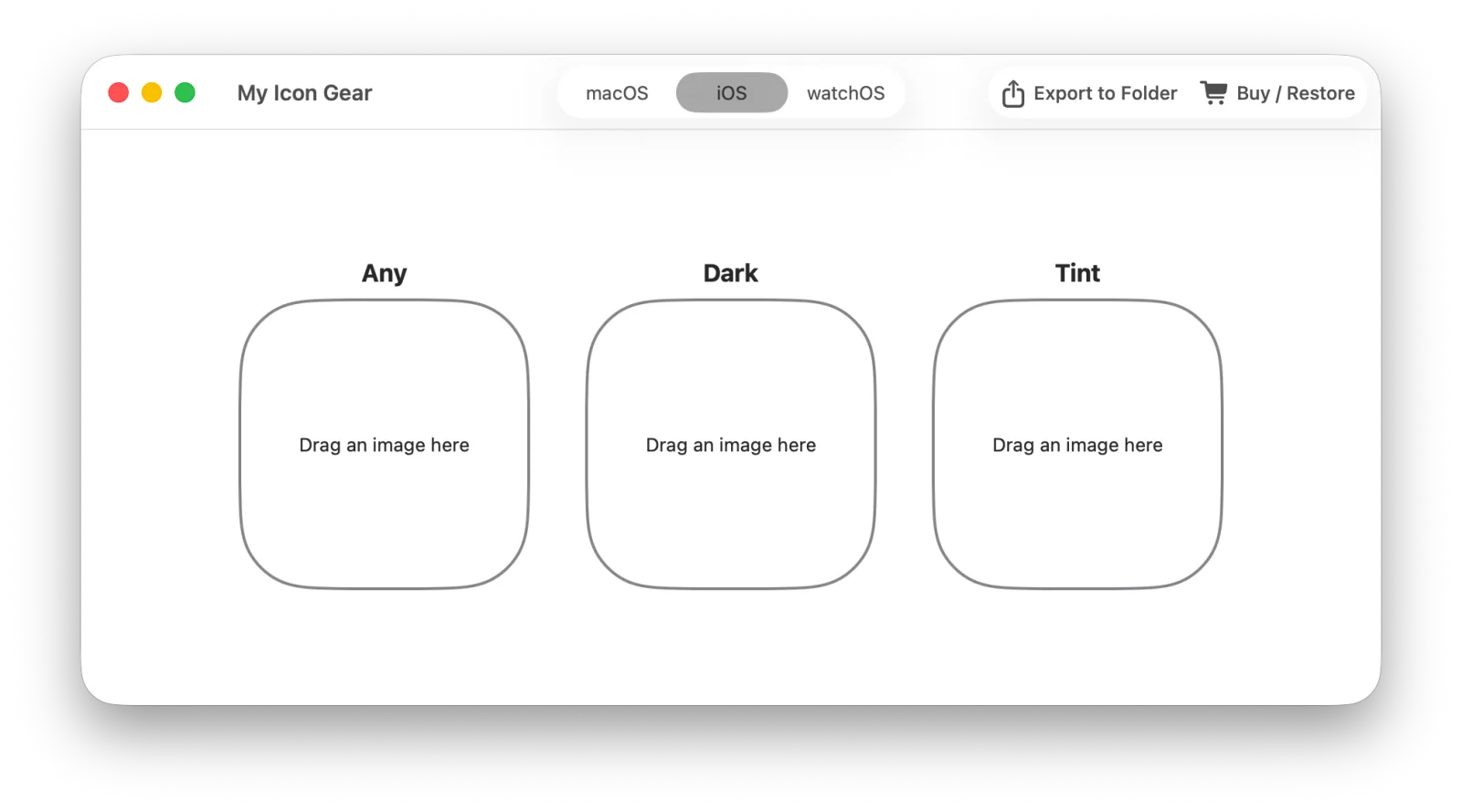
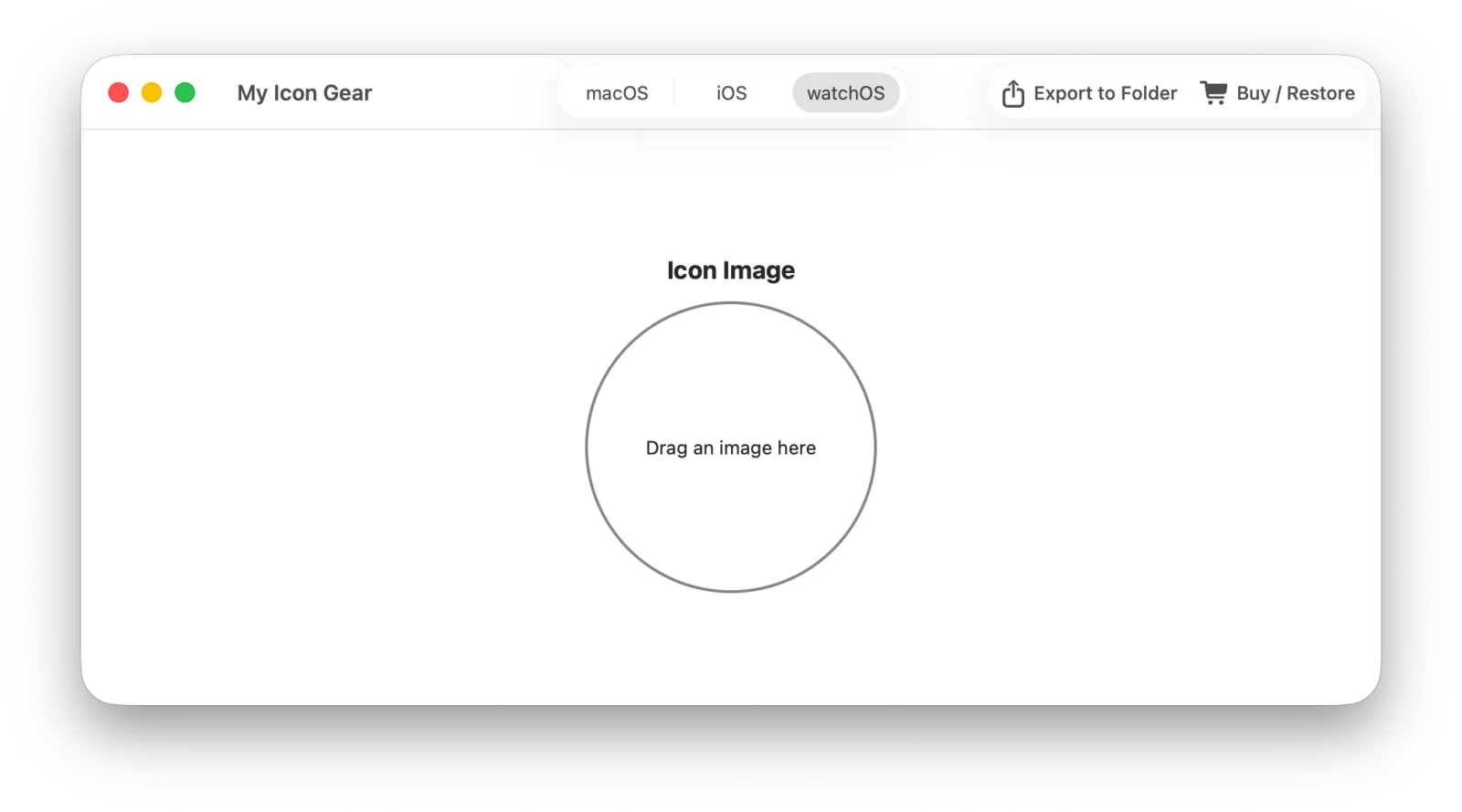
Drop in an image, choose the platforms you support, and export the generated assets. The result is ready to drag into Xcode.
Core features
Start with the artwork you already have instead of exporting every required size by hand.
Create icon assets for macOS, iOS, iPadOS, and watchOS.
Export files that can be placed directly into an Xcode asset catalog.
Add your own background layer on macOS when a transparent icon should not use the system default.
Product in use
About the developer
I’m Owen Zhao, the independent developer behind Parussoft. I build focused, practical software for Apple platforms and the web, starting from real needs and refining it through everyday use and user feedback.
Read the full introduction