Flexible reminders
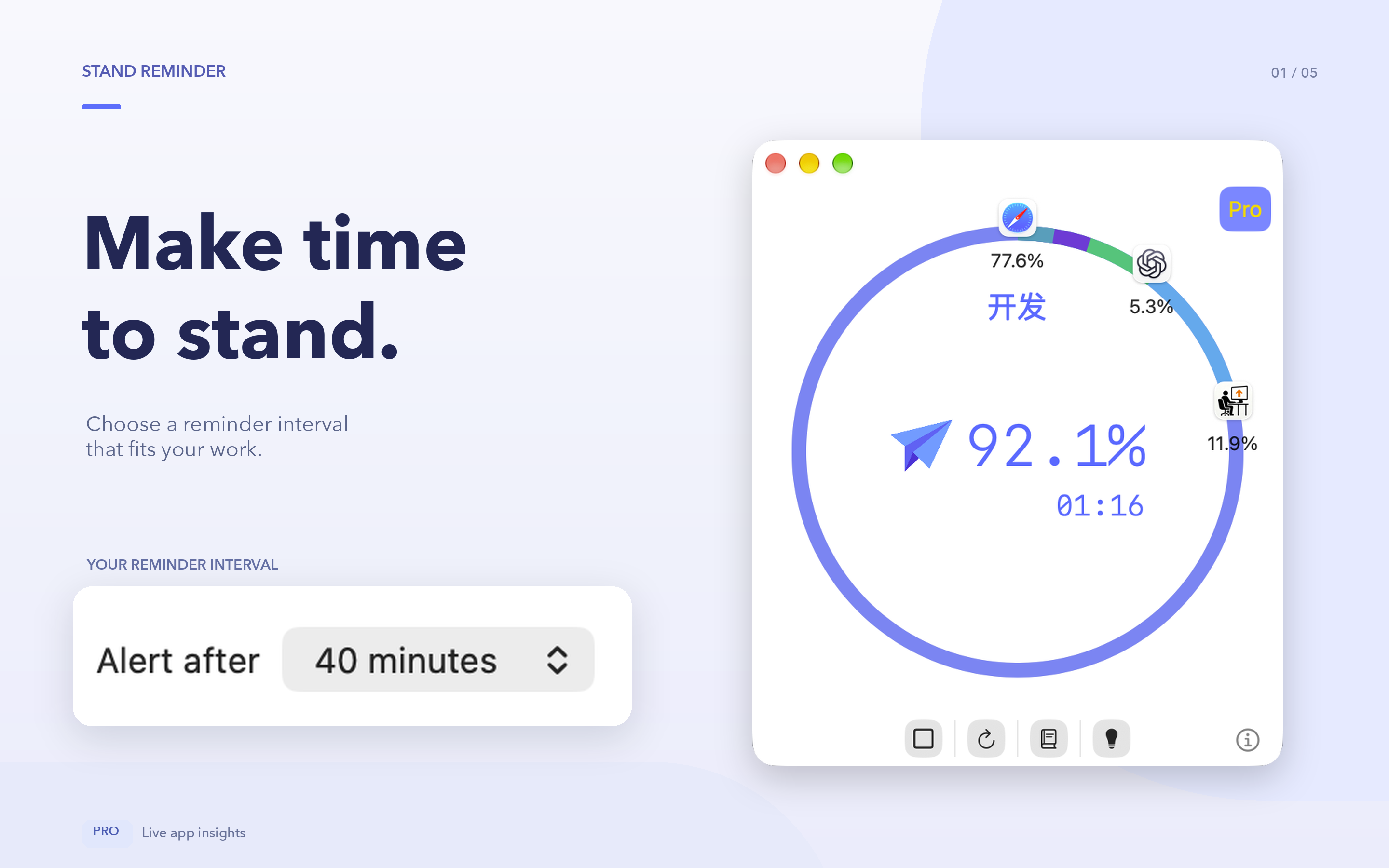
Set when to receive a stand reminder and how long inactivity should last before a work session ends.
Parussoft · Independent software
Stay with your work without staying seated too long.
Choose a stand-reminder interval, see how you use your apps, and review your workday. Pro adds scheduled daily summaries and Always On mode for time away from your desk.
Keep your timer nearby in the app, menu bar, or Statistics Widget. Review app usage and session history, then use the daily summary to decide what to adjust next.
Version 4.0.0 is in preparation. The screenshots and new features below preview this version.
Core features
Set when to receive a stand reminder and how long inactivity should last before a work session ends.
See the current state in the app, menu bar, and Statistics Widget.
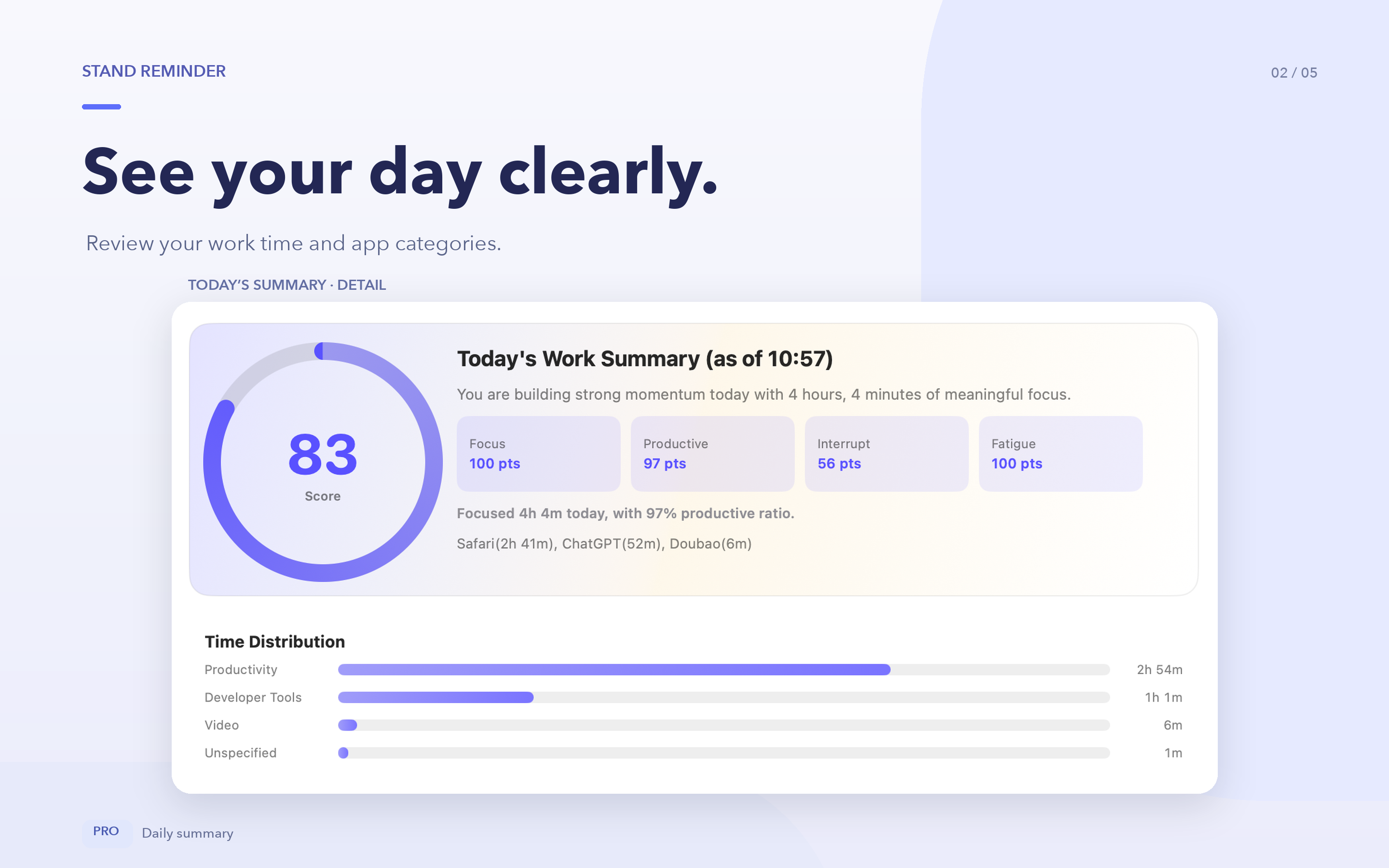
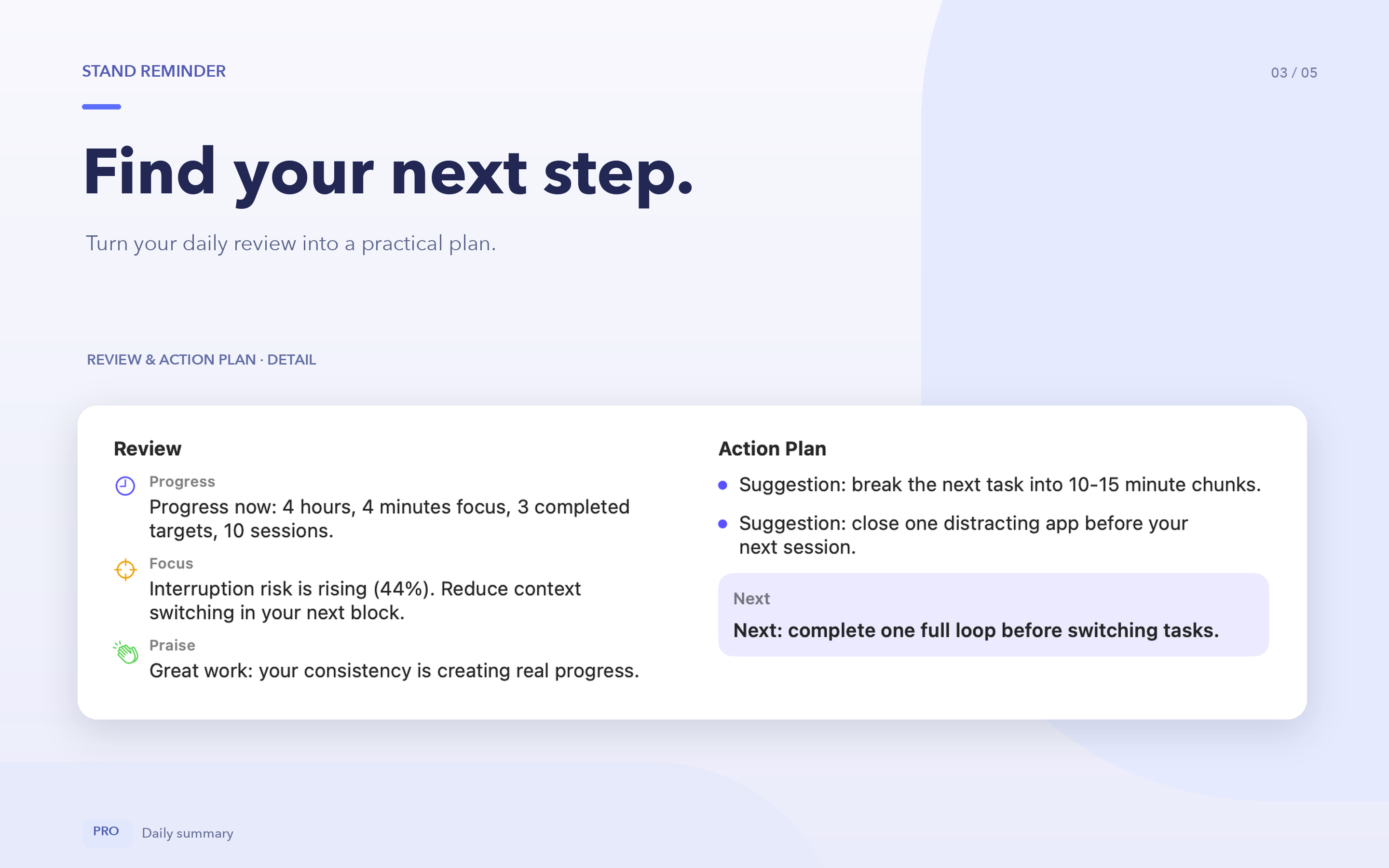
Review your work time, category distribution, and next-step suggestions. Schedule a morning summary for yesterday or a later summary for today so far; keep the app running and allow notifications.
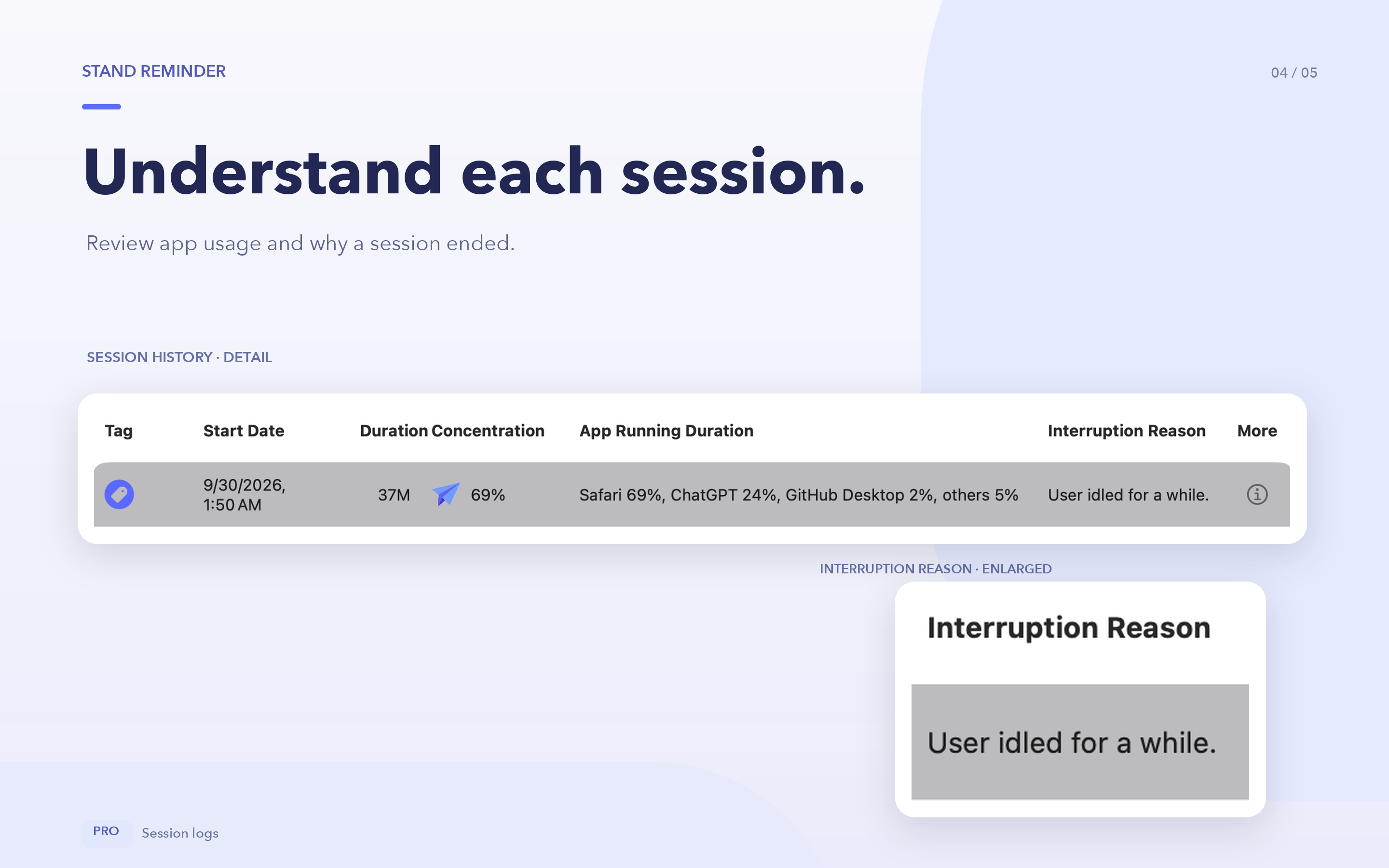
Review session duration, app usage, and interruption reasons. Use tags and manual app categories to organize your records.
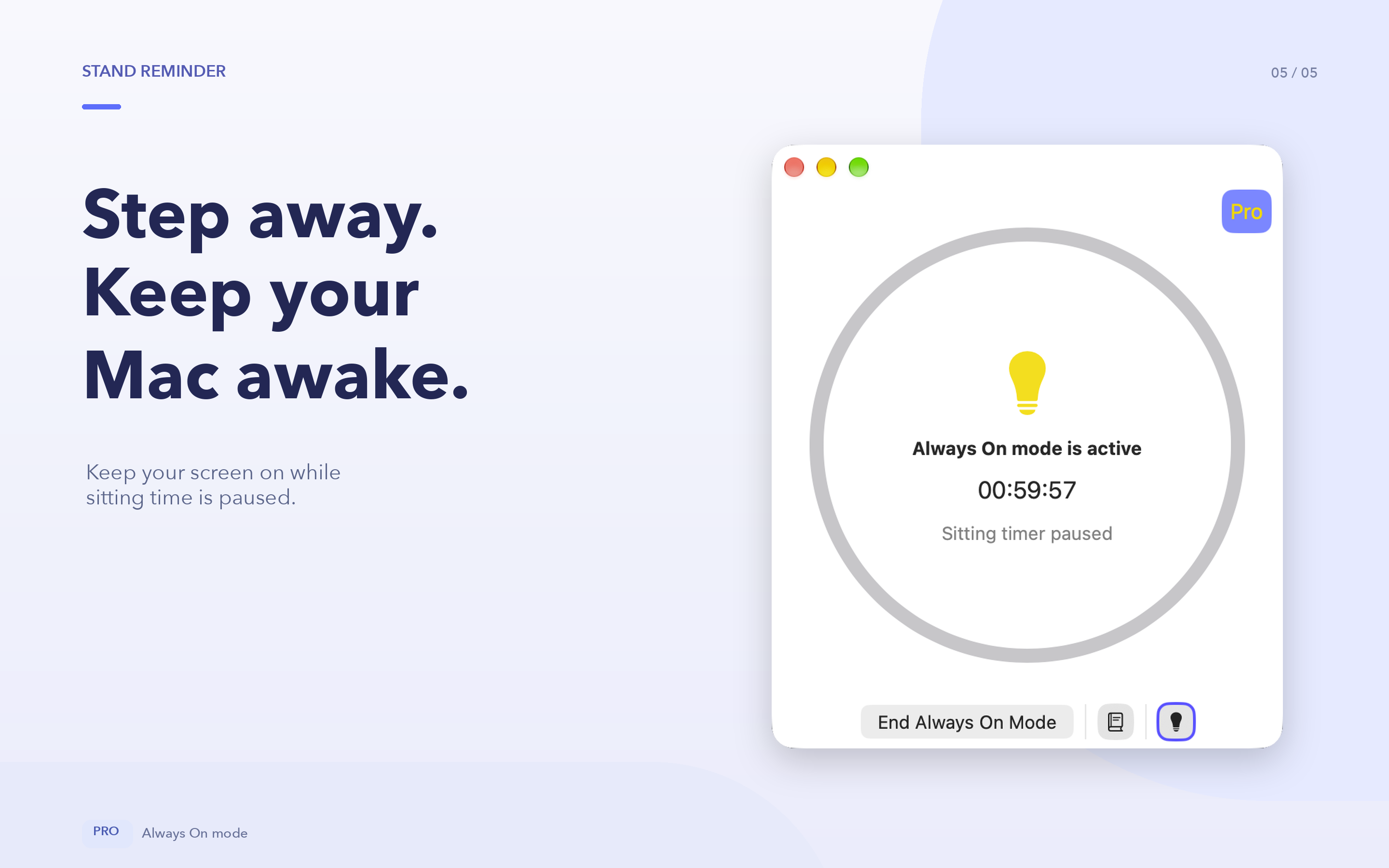
Keep your display awake for a chosen duration or without a time limit. Sitting reminders and app tracking pause, and Always On periods are logged separately.
Allow a longer inactivity window in developer tools and selected AI assistance apps, including supported browser-created web apps.
Product in use
Stay with your work without staying seated too long.
Always On and scheduled summaries are Pro features. Manually locking the screen, closing the lid, or forced sleep can still interrupt tasks.
About the developer
I’m Owen Zhao, the independent developer behind Parussoft. I build focused, practical software for Apple platforms and the web, starting from real needs and refining it through everyday use and user feedback.
Read the full introduction