
Batch matching and renaming
Match subtitle files to videos and rename an entire group in one workflow.
Parussoft · Independent software
Match, rename, and organize a season of subtitles at once.
SubRee recognizes video names while ignoring irrelevant words, then prepares matching subtitle files in batches so a library does not have to be renamed one episode at a time.
Preview the matches first, then rename and place subtitles beside their videos or collect them in a destination folder. Language preferences help compatible players choose the subtitle you want.
Core features
Match subtitle files to videos and rename an entire group in one workflow.
Place renamed subtitles beside their videos or collect them in another folder.
Remove unwanted files and empty folders after the move is complete.
Set language preferences so compatible players can select the subtitle you want.
Start with English, Simplified Chinese, and Traditional Chinese, then add more for your library.
Product in use
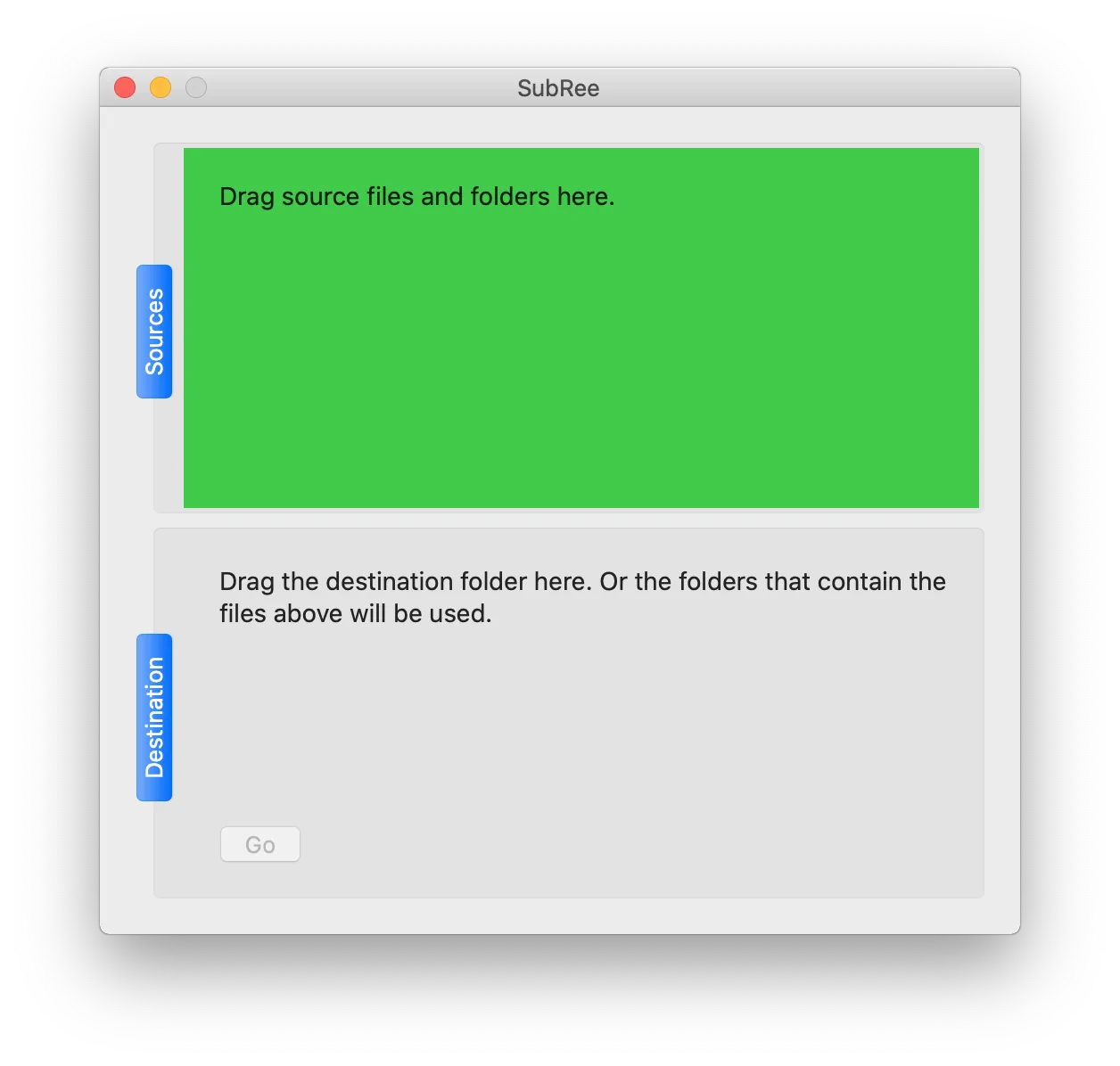
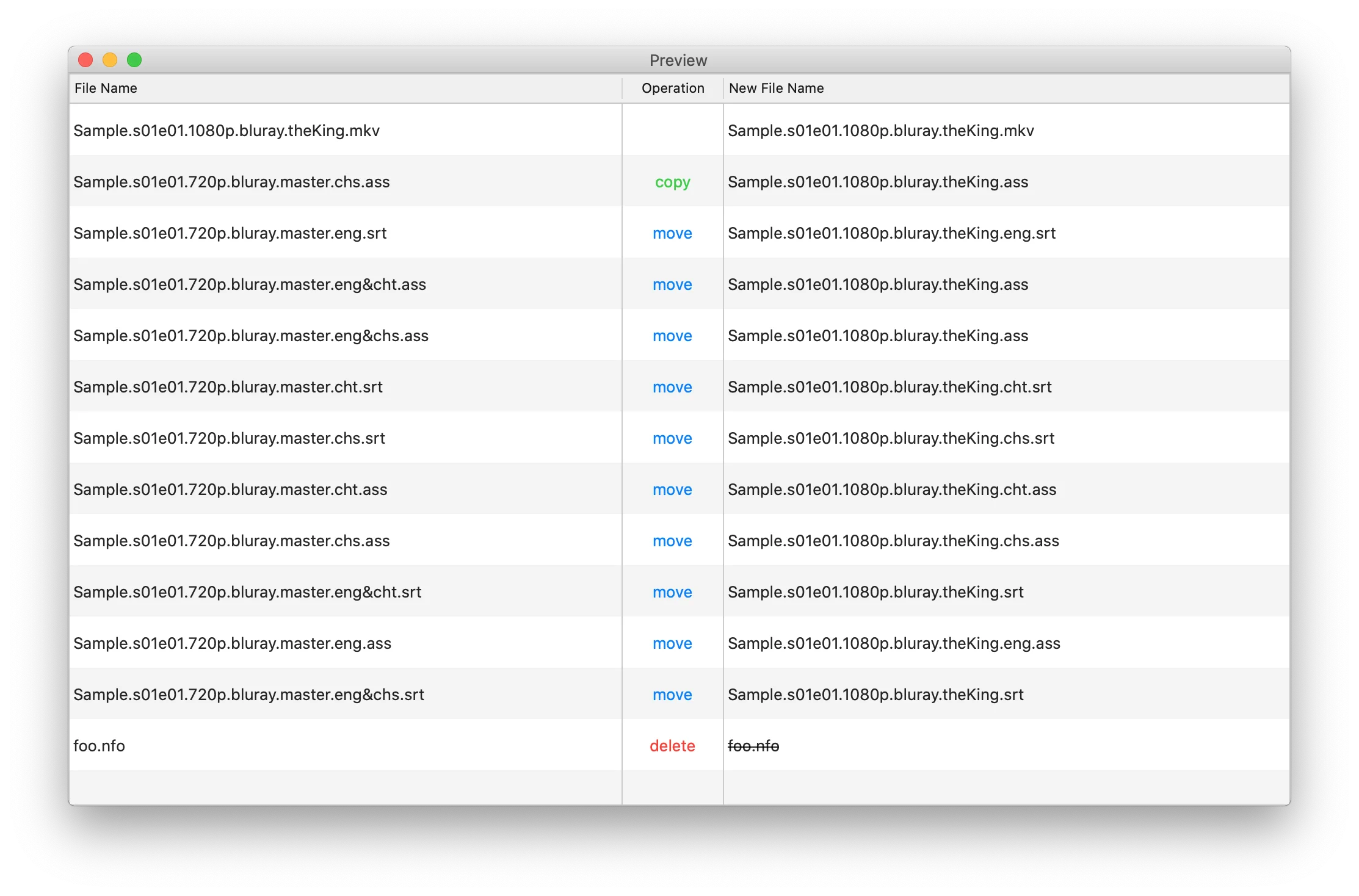
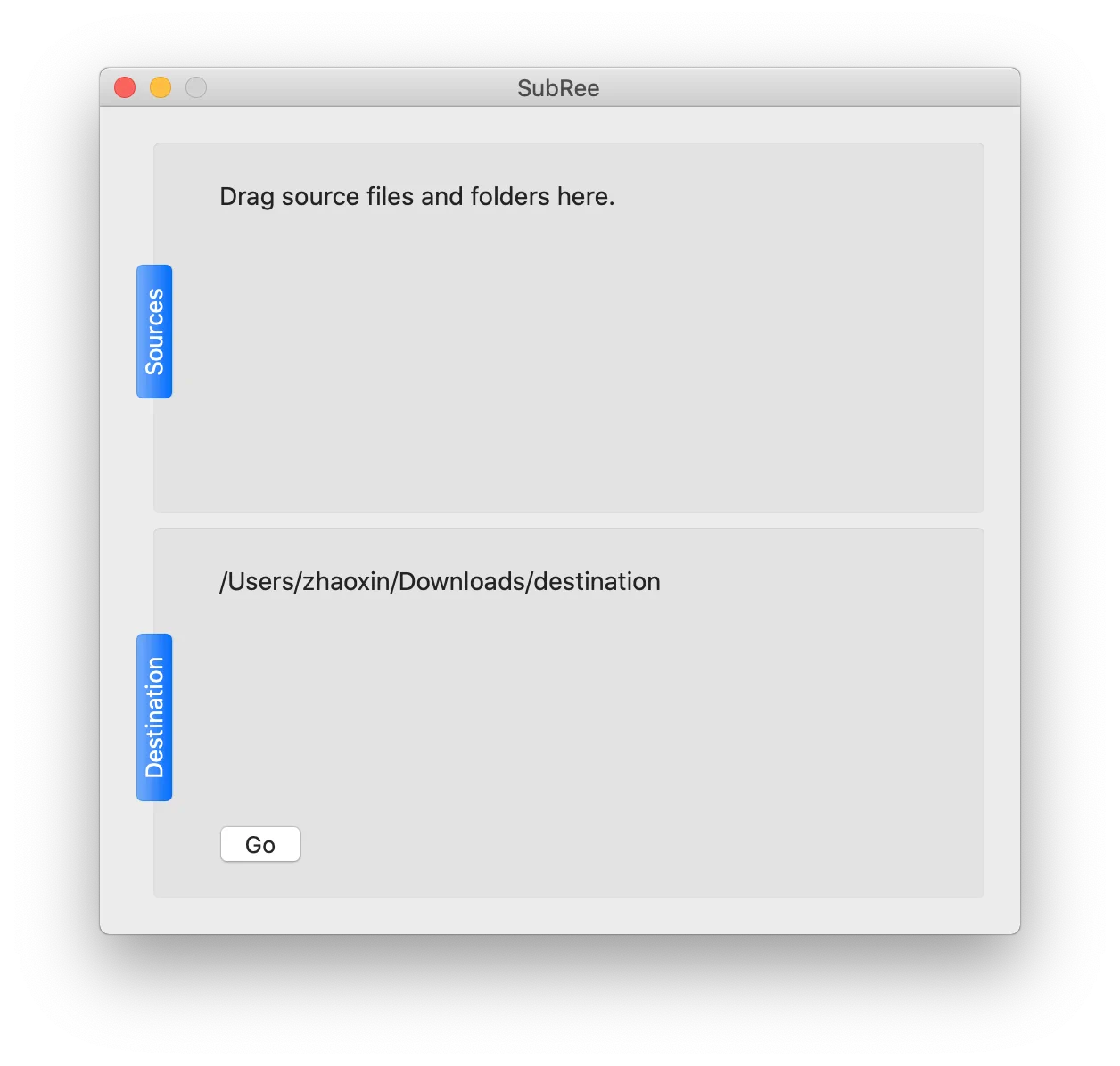
Match, rename, and organize a season of subtitles at once.
About the developer
I’m Owen Zhao, the independent developer behind Parussoft. I build focused, practical software for Apple platforms and the web, starting from real needs and refining it through everyday use and user feedback.
Read the full introduction