01
Markdown editing and live preview
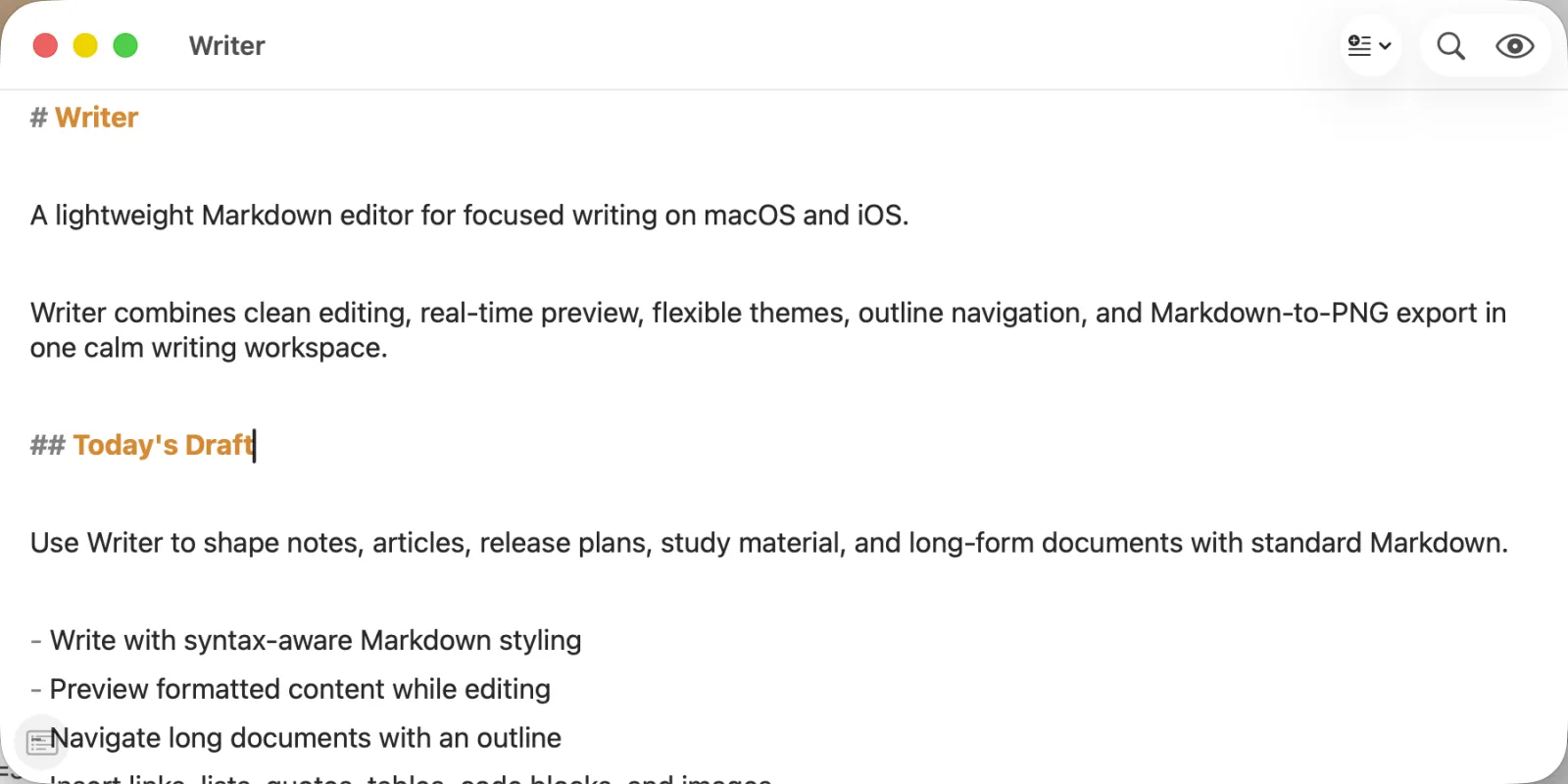
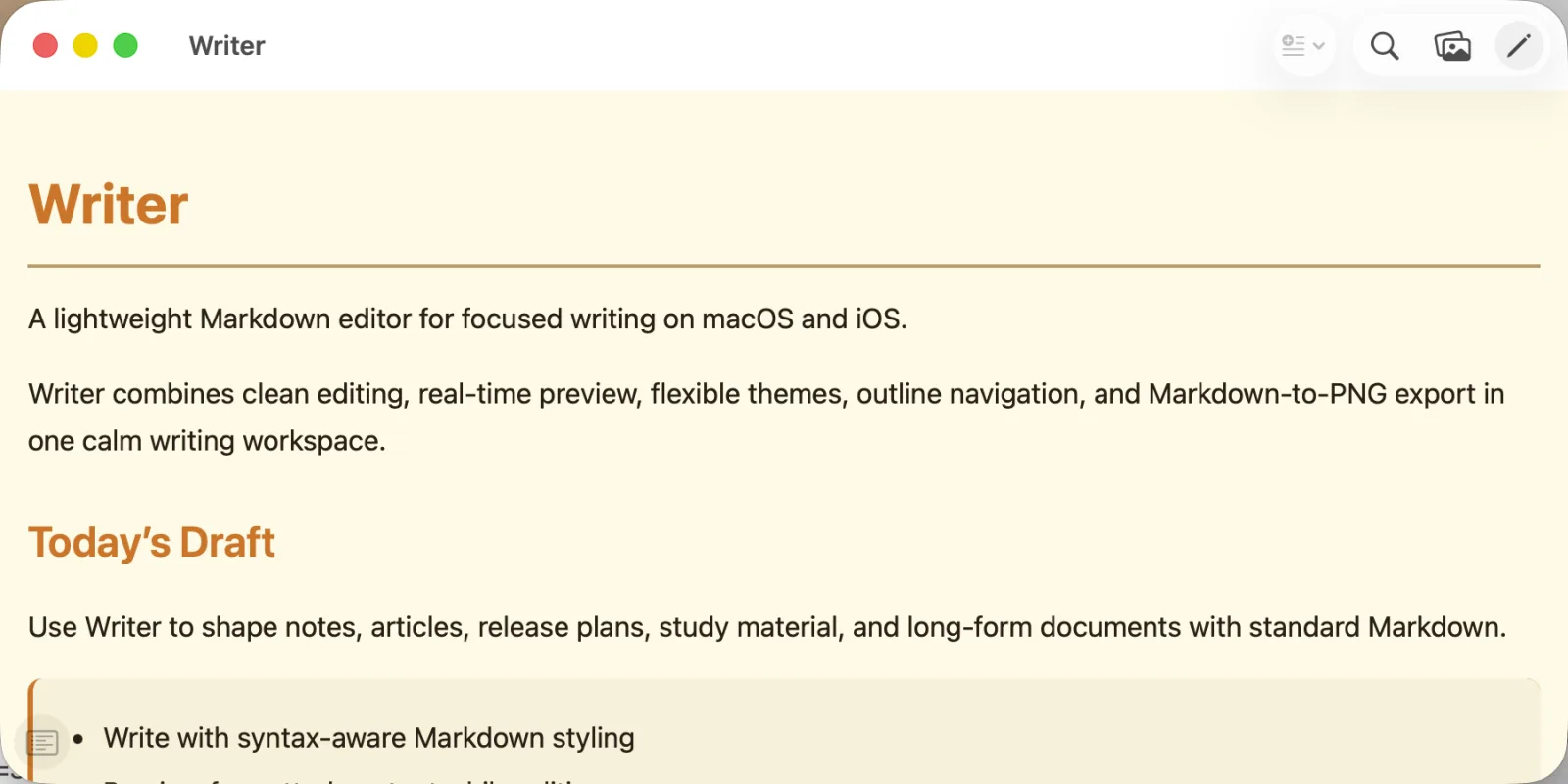
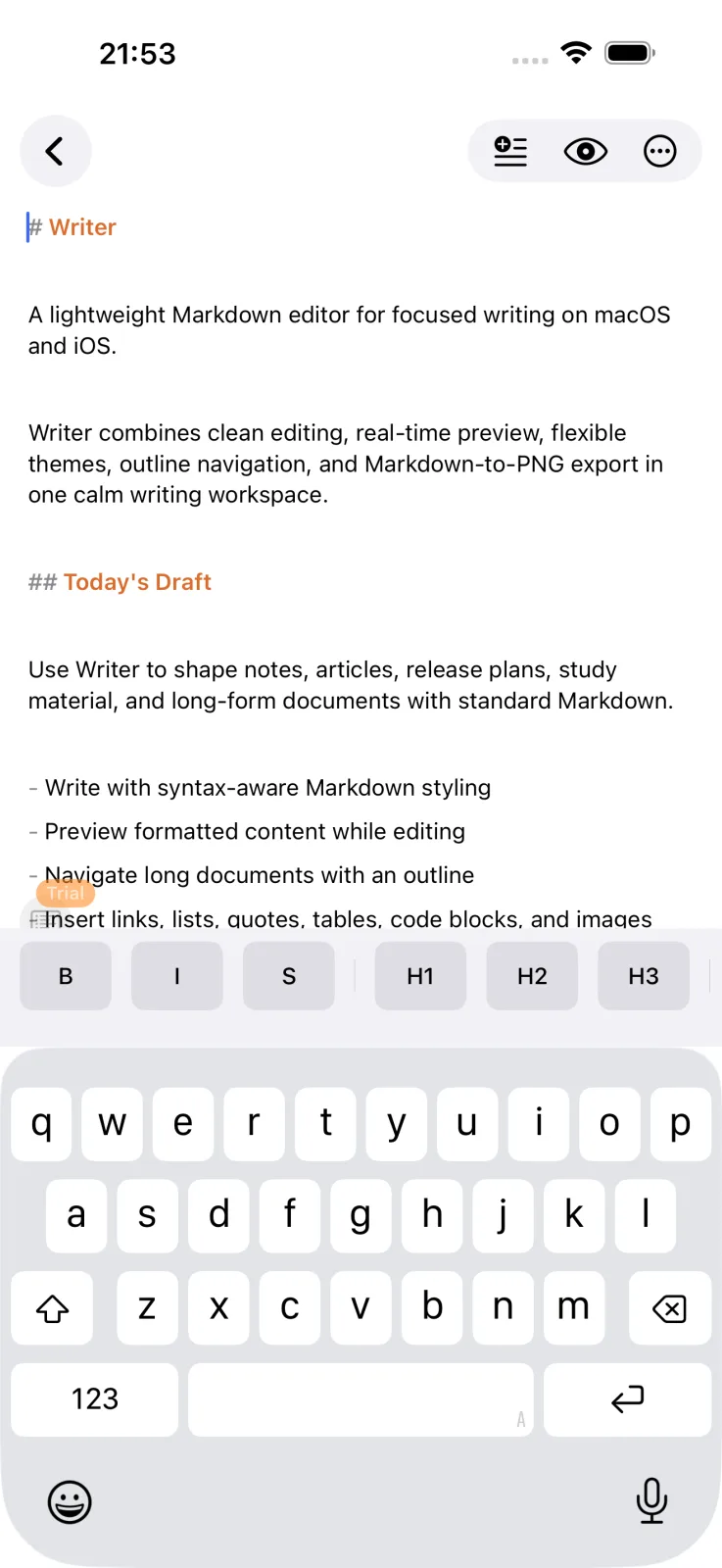
Write headings, lists, links, code, quotes, and emphasis with syntax-aware presentation, then switch to a rendered preview as you work. On macOS and iPhone, preview Mermaid diagrams offline and adjust their size without leaving the document.
02
Outline and document navigation
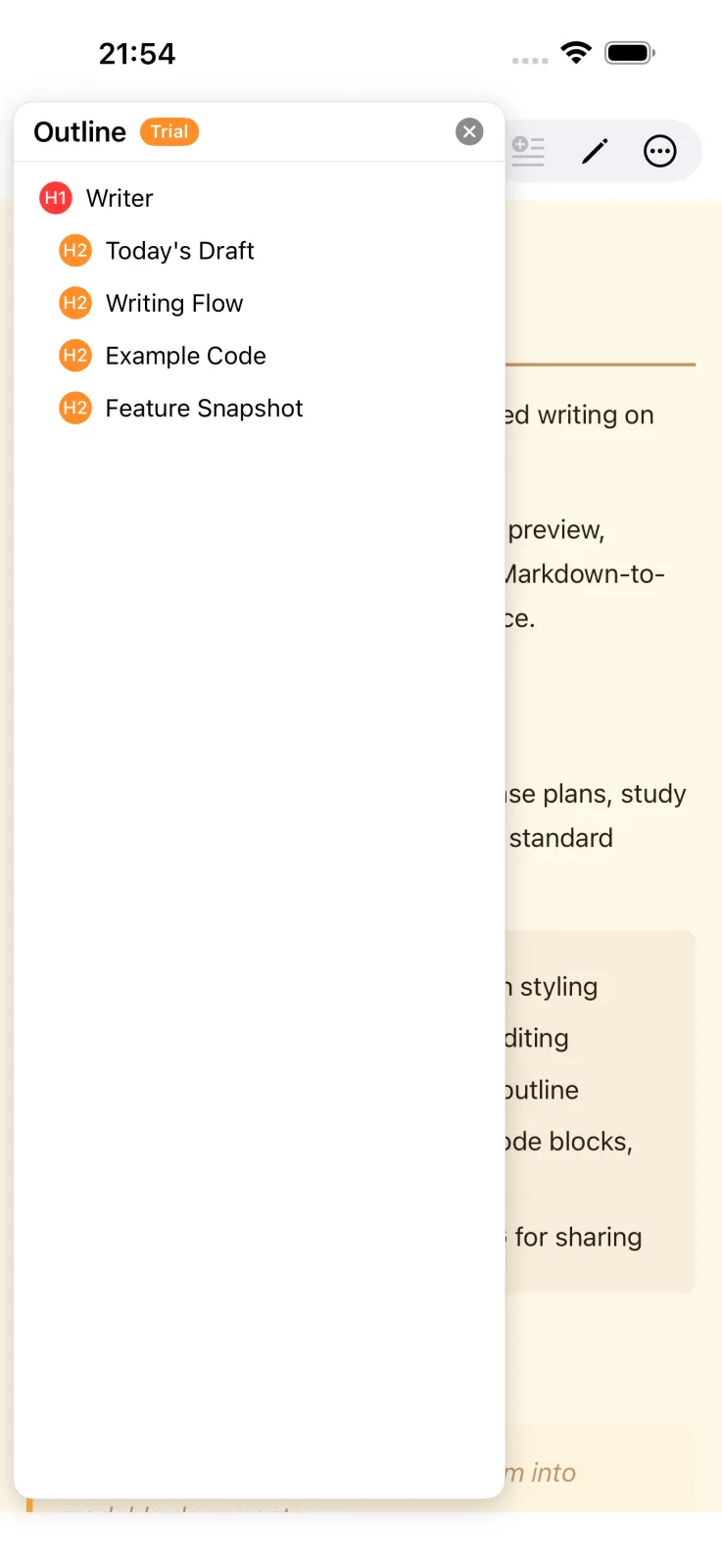
Writer builds an outline from your headings so longer documents are easier to navigate on macOS, iPhone, and Android.
03
Themes that connect with mdthemes.org
Choose built-in light and dark themes or browse Markdown themes at mdthemes.org and import their CSS into Writer. Apple previews can also use separate code themes for light and dark appearance.
04
Images and files that stay useful
Insert images, work with local or cloud-backed files through the platform document picker, and keep Markdown content with its assets when using Android TextPack packages.
05
A macOS preview that belongs in Finder
Select a Markdown file in Finder and use Quick Look to see its rendered document, Mermaid diagrams, syntax-highlighted code blocks, local images after granting folder access, and selected theme without opening Writer. This is the macOS feature that makes Writer feel at home in the file system, not just inside an editor window.
06
Apple export tools
On macOS and iPhone, export a rendered Markdown document as a PNG when a document needs to be shared as an image. Ordinary links from the preview open in your default browser, while local document anchors stay in Writer.
07
Android file workflow
Open, save, rename, and share files through the Android document picker, with find and replace, image-size choices, custom editor styles, and TextPack support.