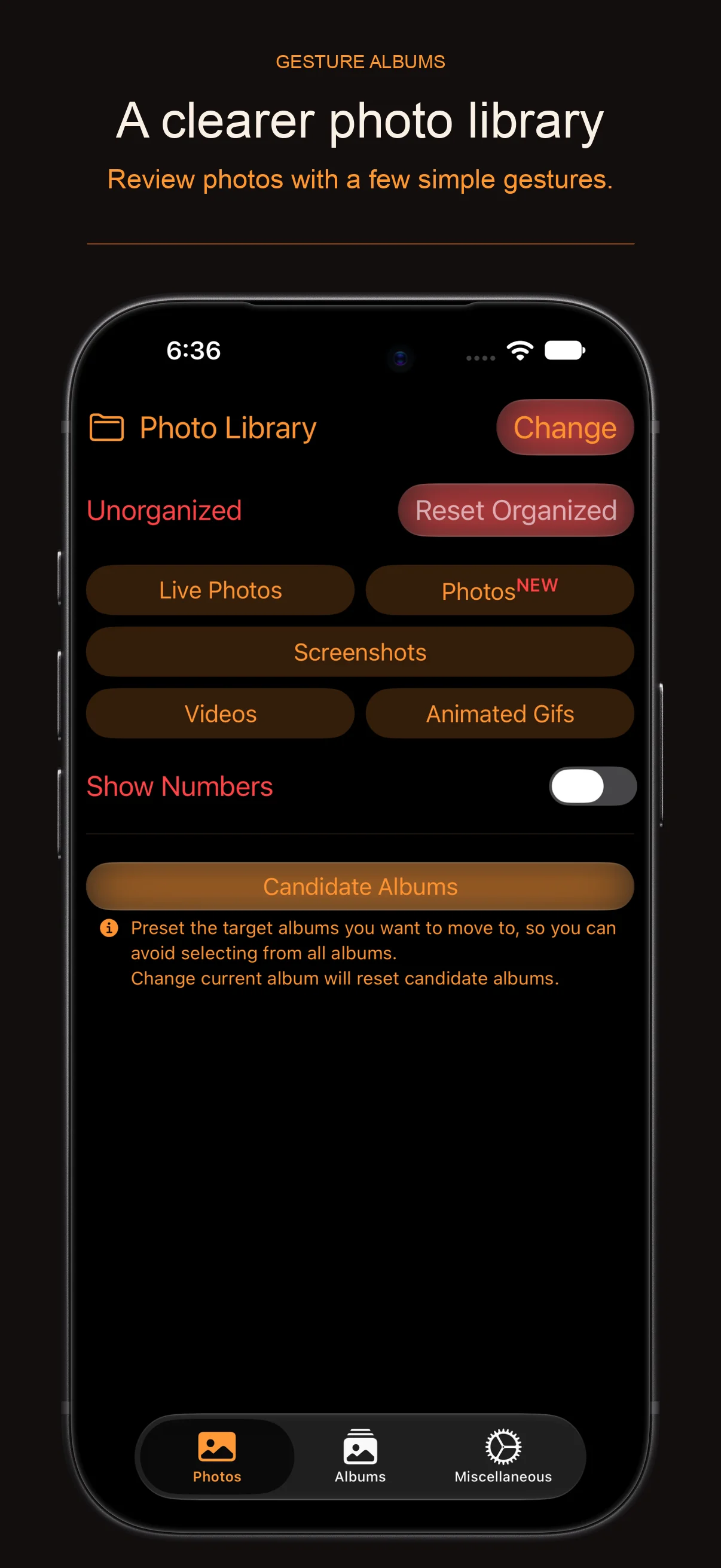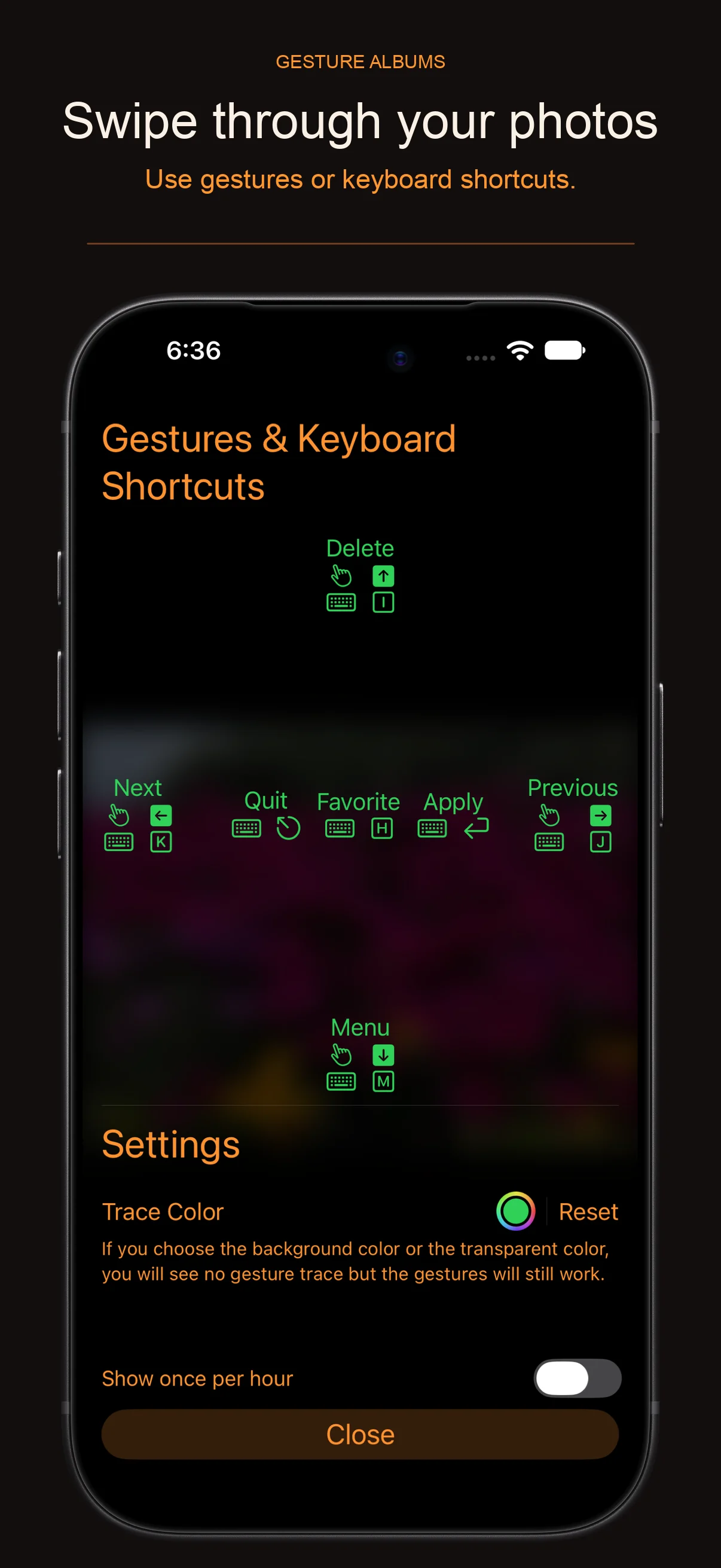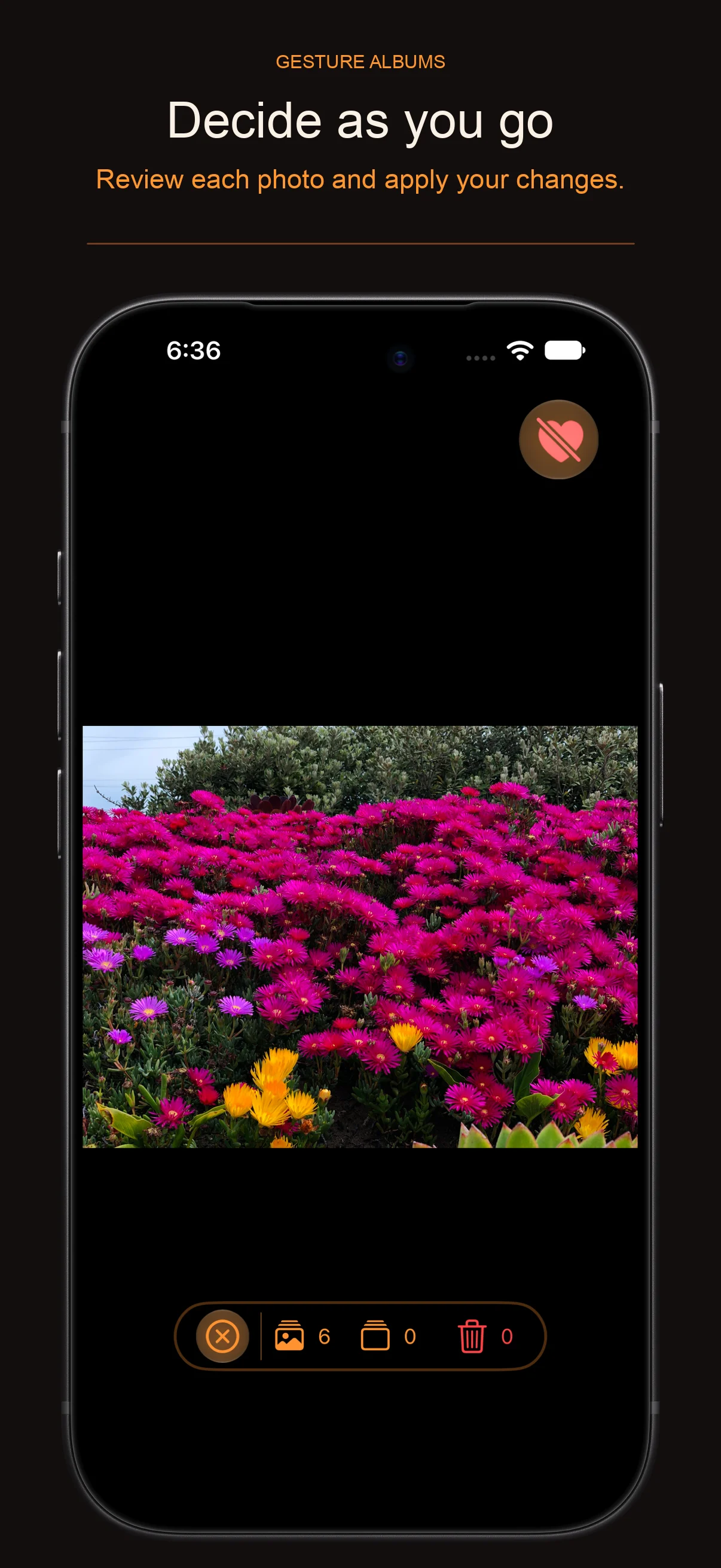
Use gestures or keyboard to quickly organize photos.
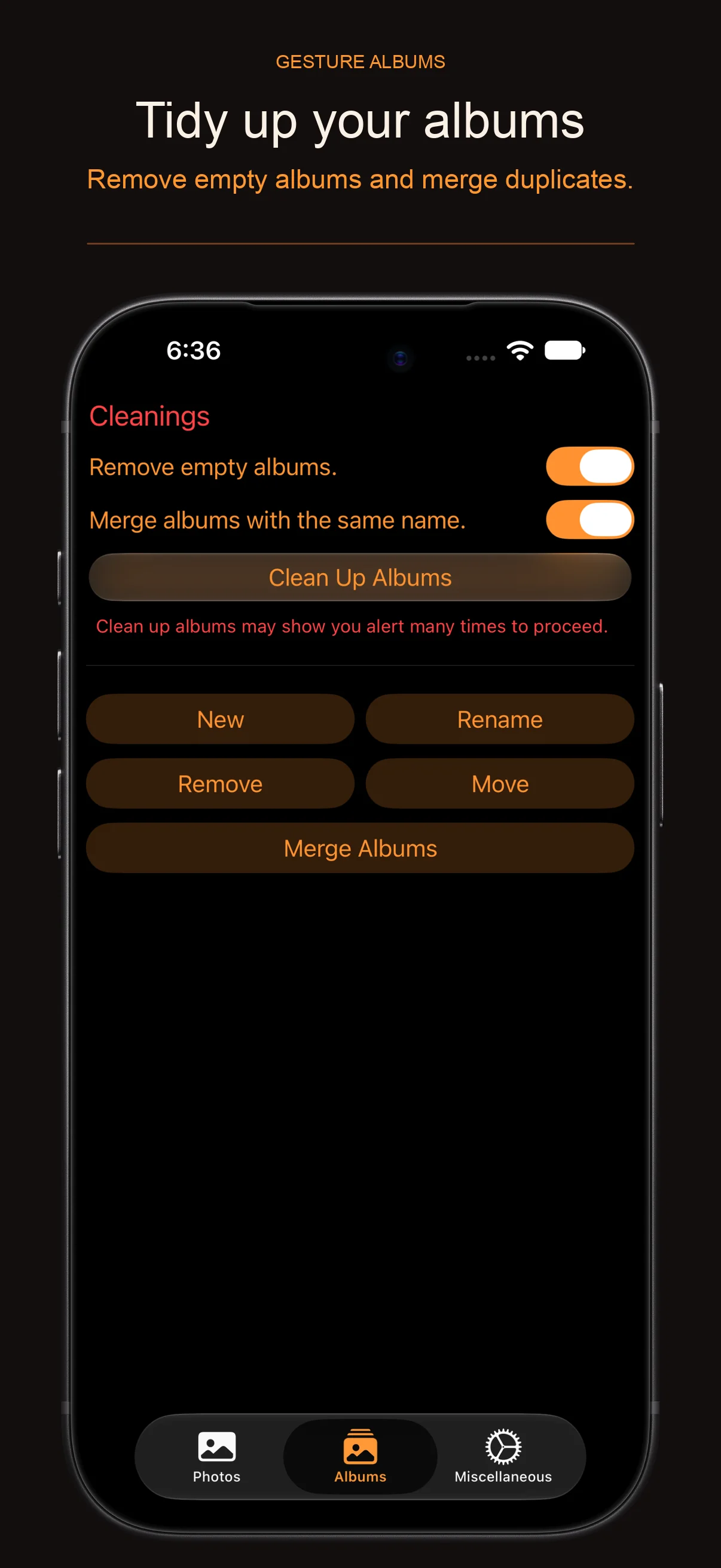
Automatically select and delete blank albums.
Automatically merge albums with the same name.

Organization progress.
It can be displayed in figures or percentage.
Organize according to albums or folders.
Manage album files.
Manage albums and folders.
Manually create, delete, and rename albums and folders.
Manually merge albums.
First release.
Fix the problem of abnormal interface refresh when setting/canceling as favorites for dynamic Gif-type pictures.
Interface optimization.
When the editing interface exits, if there is any modification, the user will be prompted to apply it.
Fixed an issue with ordinal updates when the last photo was set to be deleted.
New animation when setting/cancelling favorites.
Optimize the status bar interface.
Fixed an issue that video is still playing in background after the edit page is closed.
added feedback in purchase.
updated UI.
rollback when iCloud download encounter error.
updated Chinese translations.
fixed an issue of text color when force-in dark mode.
It is recommended that users view the official guide built into the application, which contains instructions for default settings and hidden functions.
Renamed app as “Gesture Albums”.
Added support for macOS and iPadOS.
Fixed gesture range issue.
If a photo was too narrow, there was no place to perform the gesture before.
Fixed an issue that set album didn’t set.
Updated UI
Added book image button for help.
Added Setting page.
Replace native TabView with customized Tab like view, as native TabView has issue with keyboard shortcuts.
Added workaround for iPadOS List selected highlight color.
By default iPadOS use app’s accent color as the highlight of selection. However, the same color is used to show text, then a user can’t see the text the background color is the same color.
Fixed an issue of leap year on purchase info.
Updated UI of EditView toolbar.
Added percentage style.
Many minor changes.
Model
Updated model.
Added iCloud syncing with data and settings.
Behavior
Reset will reset organized photos in current album. Use to reset all organized photos in the photo library.
Organized photos will be applied to all albums. Use to applied to only the current album.
Keyboard Support
If you have a physical keyboard.
You can quit most views with “ESC” key.
Both Editions
Promotion, free for subscribers in the first week, welcome to try.
Temporary solution to iCloud synchronization problems.
When setting up iCloud synchronization, there will be an error in the next synchronization after sync nil. You need to use secondary encapsulation to bypass nil.
The in-app shows that when setting up an album, if it is set to a photo library, and then set to another album, this setting will be overwritten by iCloud and still displayed as a photo library. It must be set up twice to be set up successfully.
This update solves this problem.
The root cause of this problem is Apple’s iCloud terminal, and I have submitted an error report to Apple. FB13171112
Before Apple solves this problem. This problem can only be bypassed in other ways.
Dual version
Interface optimization
Updated the third-party framework to the latest
Replaced a cute icon
Performance Optimization
Implemented cached loading for images and live photos, enhancing performance when users switch between pictures.
Bandwidth Reduction
When fetching photos, they’re optimized for the user’s screen size instead of retrieving the original images, saving on bandwidth.
Performance optimization
The loading speed has been enhanced.
Memory usage has been optimized.
The drawing performance of gesture trace tracking has been optimized.
The performance of deletion has been optimized.
Translation update
Application performance optimization
Interface optimization
Improved prompts
Adopted iOS 26 style