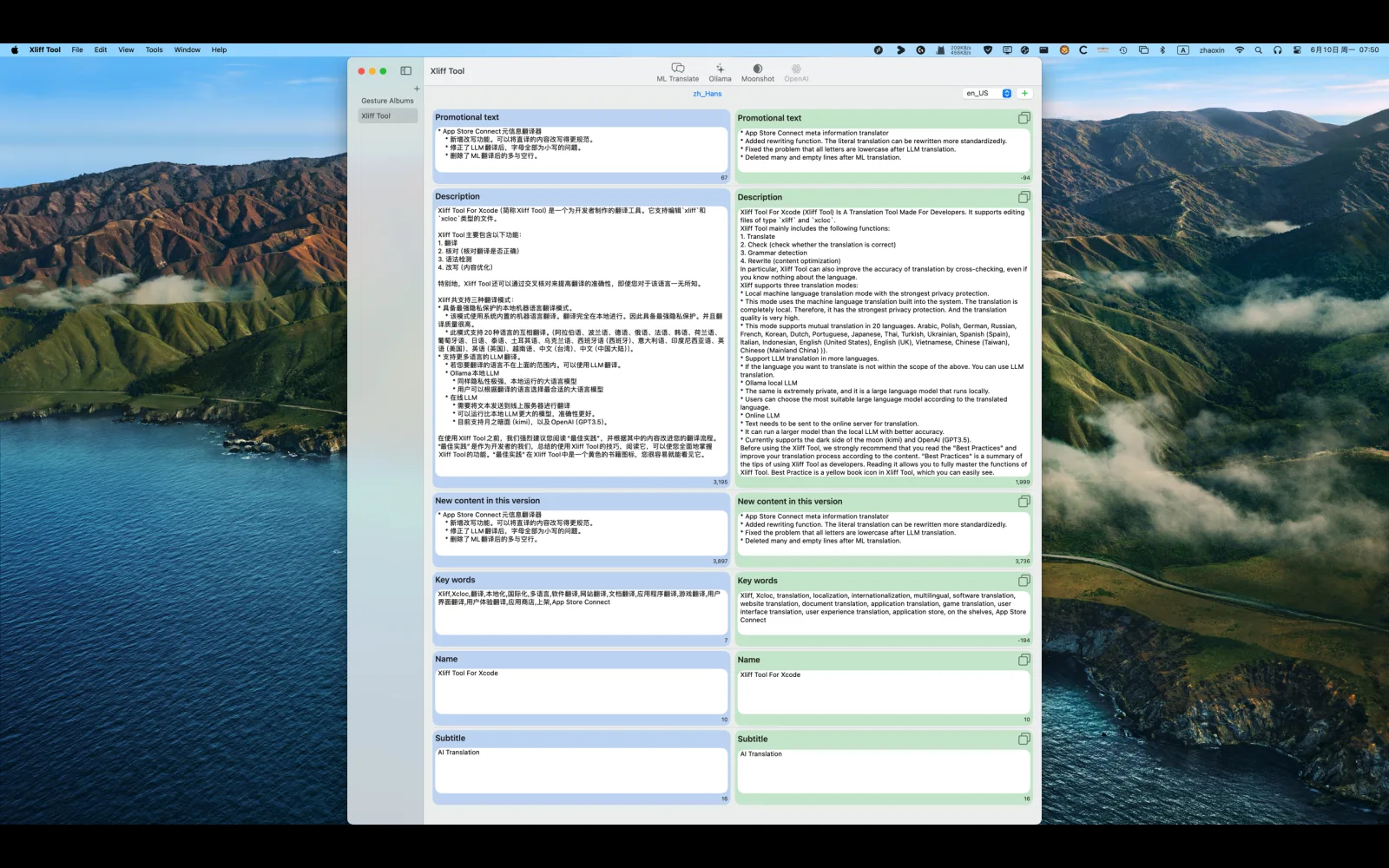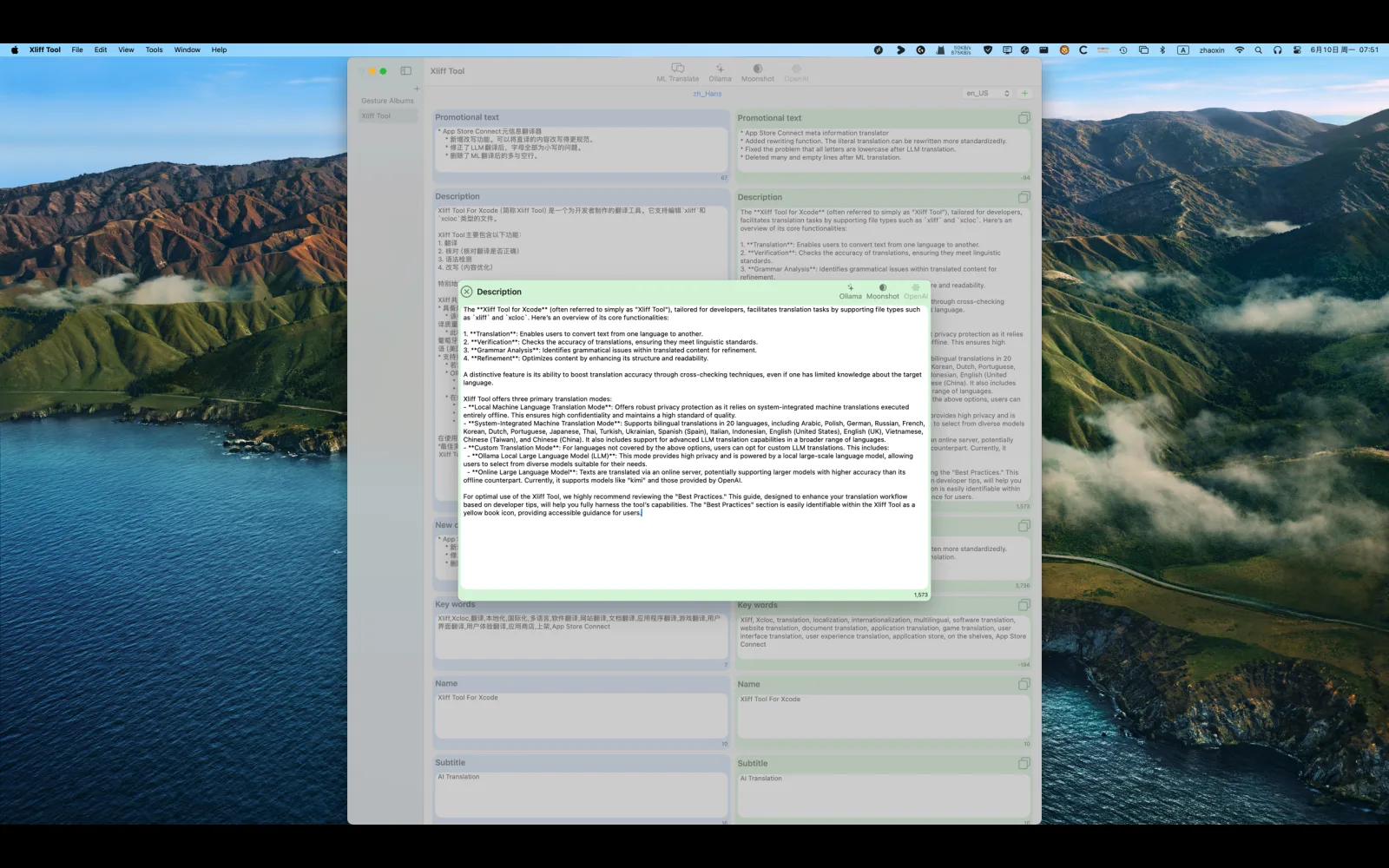
Xliff Tool for Xcode (referred to as Xliff Tool) is a translation tool designed for developers. It supports editing files of the types xliff and xcloc.
The main features of Xliff Tool include: 1. Multi-language translation (supports localization in 20 languages) 2. Translation validation (automatic grammar checking and content optimization) 3. Privacy-first architecture (utilizes Apple’s native translation API) 4. Extended language support (integrates local LLM through the Ollama framework)
This tool is specially configured with a cross-validation algorithm to ensure translation accuracy, allowing even non-professional translators to achieve reliable results. It is recommended to consult the built-in “Best Practices” document (marked with a yellow book icon) before use. This document systematically outlines a complete workflow optimization solution, ranging from basic operations to advanced functionalities.

Initial launch in App Store.
Rewrote app entirely in SwiftUI.
Replaced Realm with Core Data. Support iCloud sync.
Supported macOS, iOS, iPadOS.
Added progress text for AI translation.
Added Xliff Tool Translating 2.0 shortcut.
Comparing to the old shortcut, the new one can use more broadly, and support translating progress.
No longer check empty sources.
Fixed an issue that when only one source, the target was 1.
Fixed pro version check in WelcomeView
Clear pasteboard when finish AI translations.
macOS
New Icon: A cuter new icon has been implemented.
Removed Inquiry for Verification Method: The need to ask whether to open with verification method has been eliminated, as large language models can be used for quick authentication.
New Features:
Grammar Check:
Grammar check for long sentences.
Detection for character-by-character text.
Translation:
Local large language model translation.
Reset translation.
Verification of Translation:
Local large language model verification of translation.
Cross-validation translation by local large language models.
Reset verification.
Settings:
Additional settings have been added for the features mentioned above.
For example, which large language model to use for each feature can be individually configured.
New language support added for Japanese and Korean translations.
Interface Improvements:
Detailed optimization of progress windows for various translations and verifications, including more details and helpful features.
Rearrangement of toolbar icon layout.
Increased the default minimum size of the window, as there are more toolbar icons.
Other interface optimizations.
iOS
Interface optimization
Updated the third-party framework to the latest
Replaced a cute icon
Xliff Tool for Xcode on visionOS.
LLM functions to iOS/iPadOS/visionOS.
Add SettingsView for iOS/iPadOS/visionOS.
Optimized UI.
Change OS support to iOS 17, macOS 14, visionOS 1.1.
Fix NavigationSplitView ObservableObject issue with @Observable macro.
Add Online LLM Settings.
Add support for online LLMs: Moonshot(Kimi) and OpenAI(GPT3.5-turbo)
Optimize UI for all platforms (iOS/iPadOS/visionOS/macOS).
Add iCloud syncing for some settings.
Rewrite Best Practices. Recommend all users to read it again.
If you have issue using Local LLMs with iOS, please read the online manual. Local Large Language Model
Update the Privacy Agreement
Add info about online LLMs.
Update Core Data Models.
Add all functions in macOS to iOS/iPadOS.
Fix an issue that saving is not complete sometimes.
Fix an issue that translated status is not update properly.
Fix an issue that cross verify progress mismatched.
macOS
New Apple AI translation. There is no need to use Shortcuts for indirect translation. After clicking the translate button, the translation will be carried out automatically.
Deleted the meta translator.
The minimum supported macOS version is macOS 15.0.
macOS
Fix the problem that sometimes needs to be saved many times.
Fix the translation problem when source is empty.
Remember the size adjusted by the user.
Fix the issue in the application where it sometimes redirects unexpectedly.
Models that are compatible with the think tag, such as qwen3.
macOS
Fix an issue that may cause the detail view became blank in navigation view.
Update 3rd party frameworks to latest.
Add support for Lifetime Purchase.
Support model with thinking using the native API of Ollama.
Need Ollama Server Version > 0.9.0, also need to update the models to the latest.
macOS
Fixed an issue where the right detail would sometimes automatically jump when the target was blank.
Fixed an issue where the right detail would sometimes automatically jump after manually translating the target.
Fixed an issue that verify is very slow in models with thinking.
macOS
Added support for processing and displaying comments/annotations
Adapted the interface for macOS 26
Improved the save mechanism
macOS
Redesigned settings
Redesigned welcome screen
Redesigned purchase flow
Added support for large model API keys (requires one-time purchase or subscription)
Removed support for grammar checking
Fixed occasional confusion between different target languages
Display comment information in the editing interface
Fixed an issue where the edited state was not established under certain circumstances
macOS
Fixed the issue where the API Key could not be set.
macOS
Fixed the issue where the source was empty.